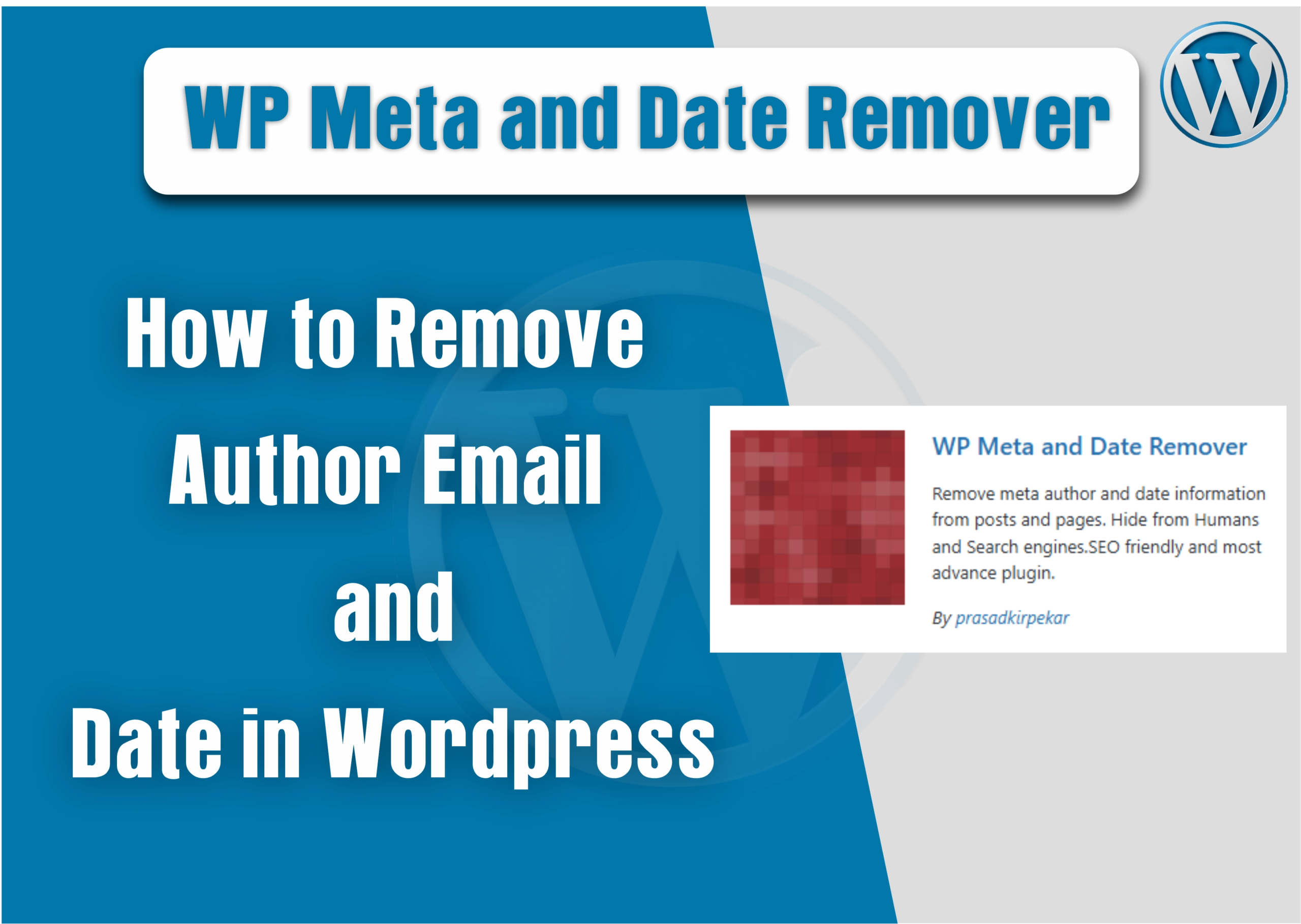
How to Remove Author Email and Date in WordPress (Step by Step With Pictures)
Hi friends, Sometimes any professional blogger wants to remove and hide meta author information from a WordPress post due to a clean view or privacy reasons, so if you want to remove the author name, author email address, and meta date information from the WordPress post area, you need to follow the below steps carefully.
1. Go to Plugins Section
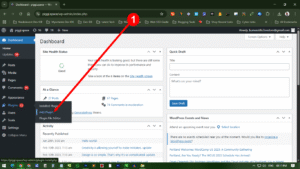
You need to go to the Plugin section and click Add Plugin button.
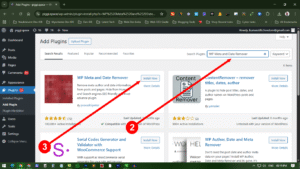
In the search box at the right corner of the page, you need to type “WP Meta and Date Remover” and click search button, then install the plugin.
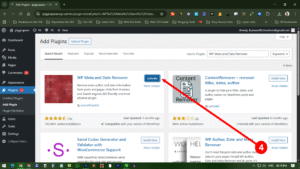
After Installing the plugin you need to activate the plugin to see the result
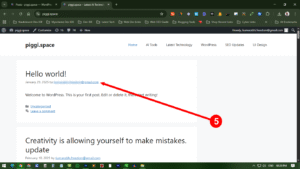
You can see meta information like date, time, and author name, and also email ID, which is not fine, so now we are removing this by single click through this plugin. Just activate the plugin, and you can see the result immediately. no additional setting required
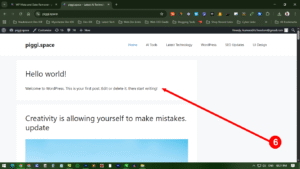
You can see all meta information, like date, time, author name, and also email ID, is hidden now. Let’s Enjoy.